Start a board, share the link, and the whole bench — plus the other team and the people in the stands — can keep score together in real time. No sign-up. Any sport.
No accounts, no setup. The link is the only thing anyone needs.
Choose volleyball, basketball, pickleball — or a plain scoreboard — and you've got a live board with its own short code.
Send the link to anyone — teammates, the ref, a parent in the stands. Opening it joins the same board instantly.
Any device on the link can add or remove points, and every screen updates in real time. A “watching” count shows who's on.
Simple enough to hand to anyone, made to read from across the gym.
Everyone on the link can keep score — changes sync to every screen in real time. Perfect when no one person can hold the phone all game.
Eight presets out of the box, each with the right buttons and target — from volleyball's “to 25, win by 2” to basketball's +1/+2/+3 and cricket's boundaries.
No accounts, no email, no install required. Open a link and you're in. The link is the permission.
Rotate your phone — or stand an iPad on the bench — and the score fills the screen edge to edge in bold team colours, with a bright centre box tracking the game or period. A scoreboard you can read from the other end of the court.
Pick your look — classic Vinyl flip-board, stadium LED, oversized Jumbo, glowing Neon, sci-fi Future, printed Paper, chalkboard, or 80s Arcade pixels.
A win triggers a fireworks burst, and on match point one of six hand-sourced easter eggs (moonwalk, banana, mascot, crab, goose, Benji) glides across the panel — or let Surprise pick one for you.
A crisp light theme by default, a glare-free dark mode for night games — one tap, and it remembers your choice.
Switching ends? Swap sides. Next game? Reset in one tap — names and sport stay. The bottom tool dock auto-hides while you score.
Turn it sideways and ScoreKeepers becomes a full-bleed bench board — bold team colours edge to edge, with a centre box keeping the game or period. Perfect for an iPad on the scorer's table or a phone propped on the bench.
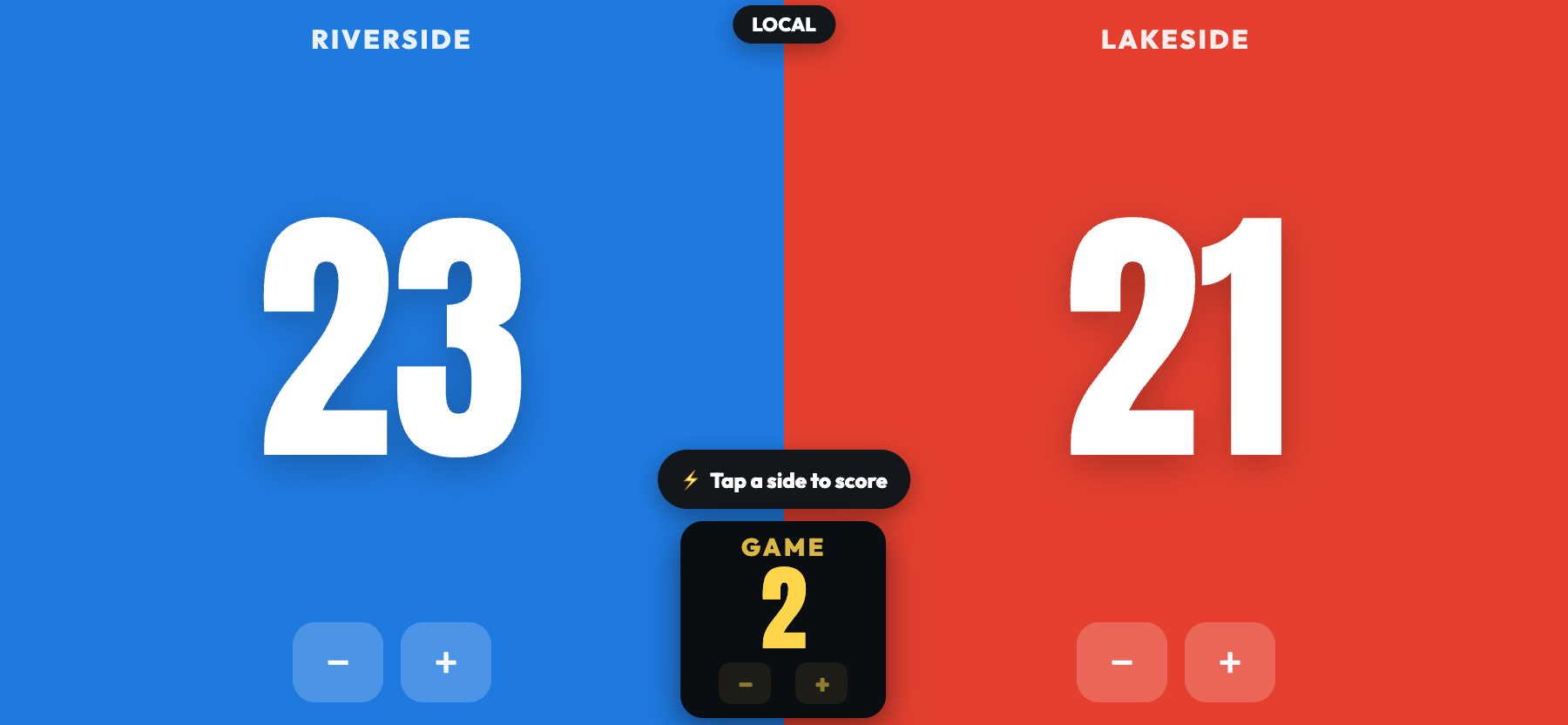
Landscape bench mode: tap either side to score, or nudge the game number from the centre box. Lock the board and it turns into a clean, read-only spectator scoreboard.
Switching sports keeps your score and team names — it just changes the buttons, colours and target.
Pick the look that fits the room — classic, modern, retro, or weird — from the Setup ⚙️ sheet. Each one renders the same scores live.
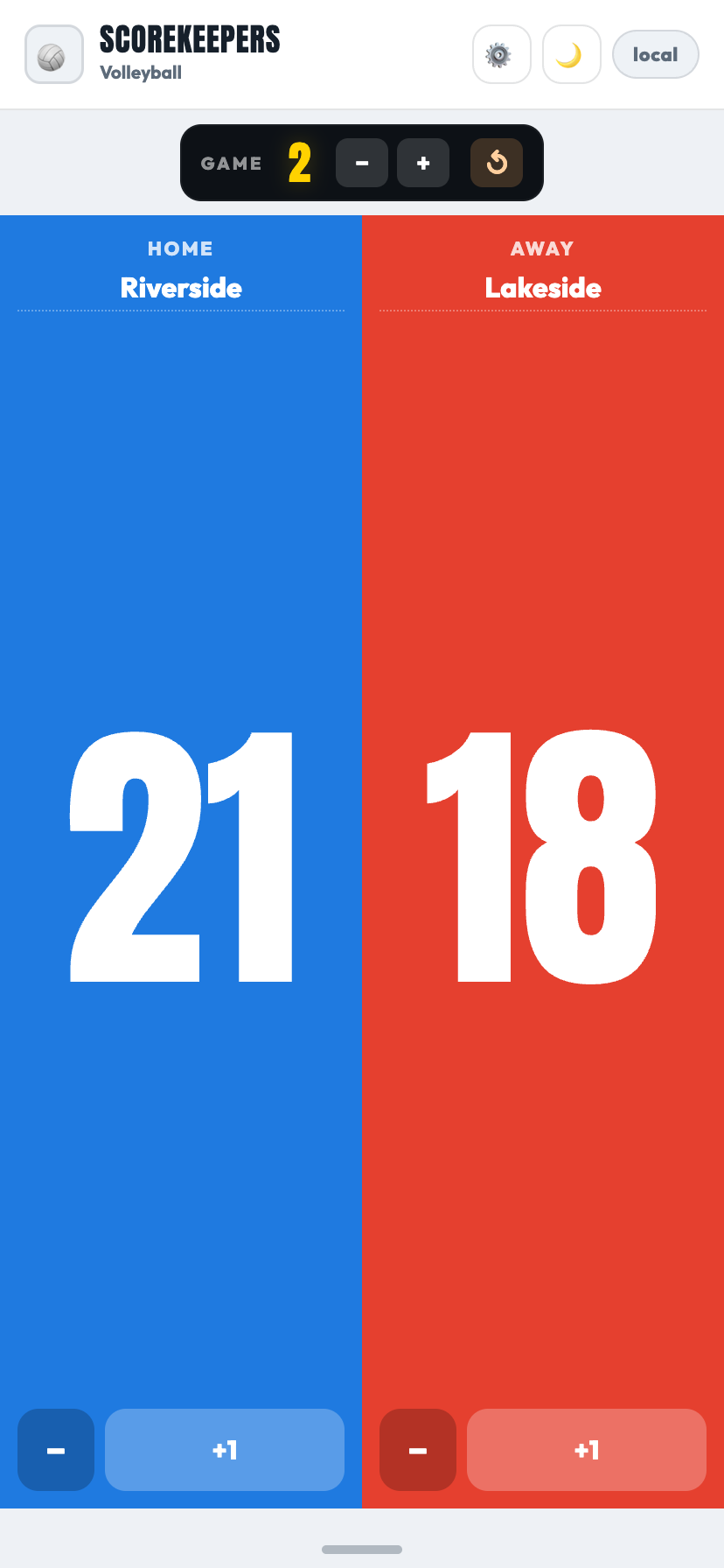 🪩 VinylClassic vinyl flip-board with Anton numerals and an optional split-flap animation on every score.
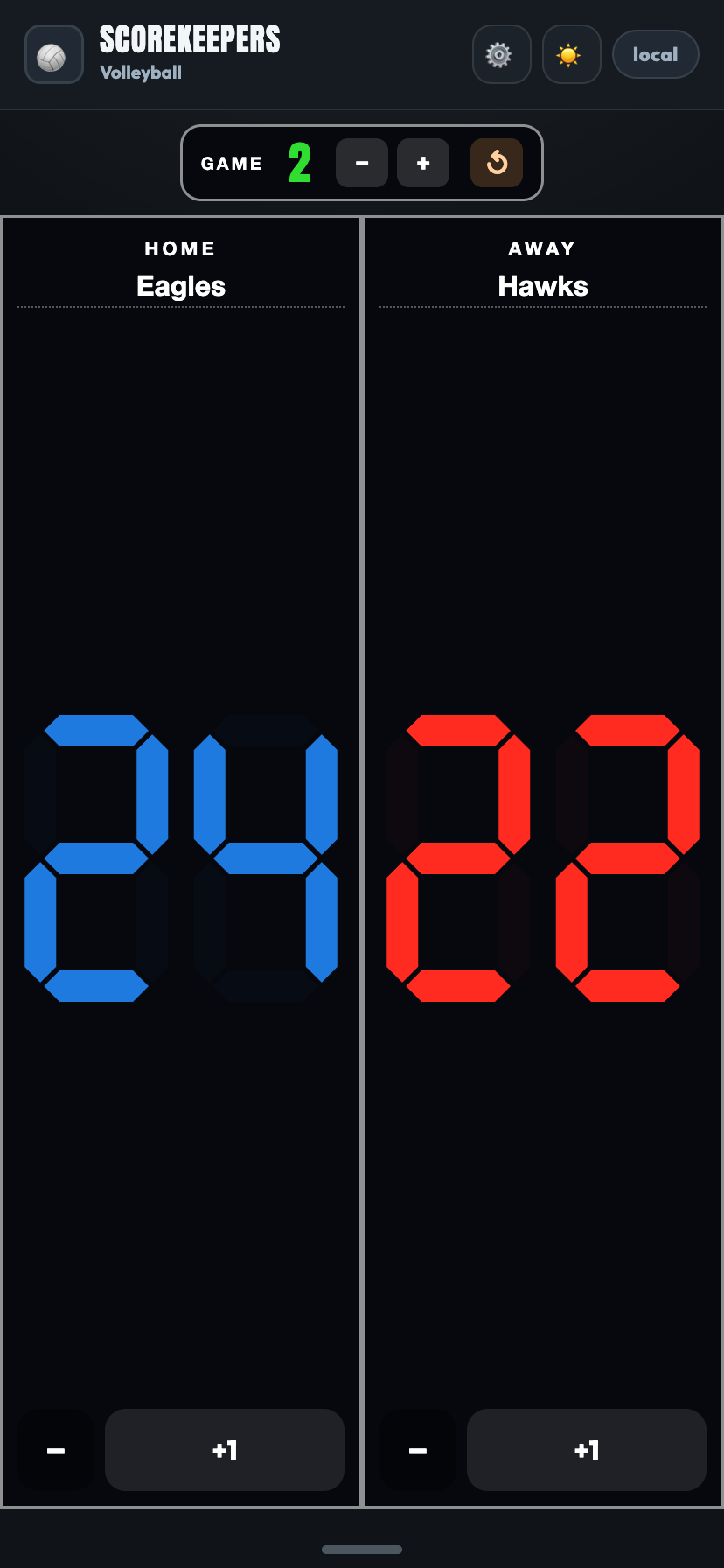 🟥 LEDStadium 7-segment scoreboard — matte solid segments on a dark housing, just like the high-school gym.
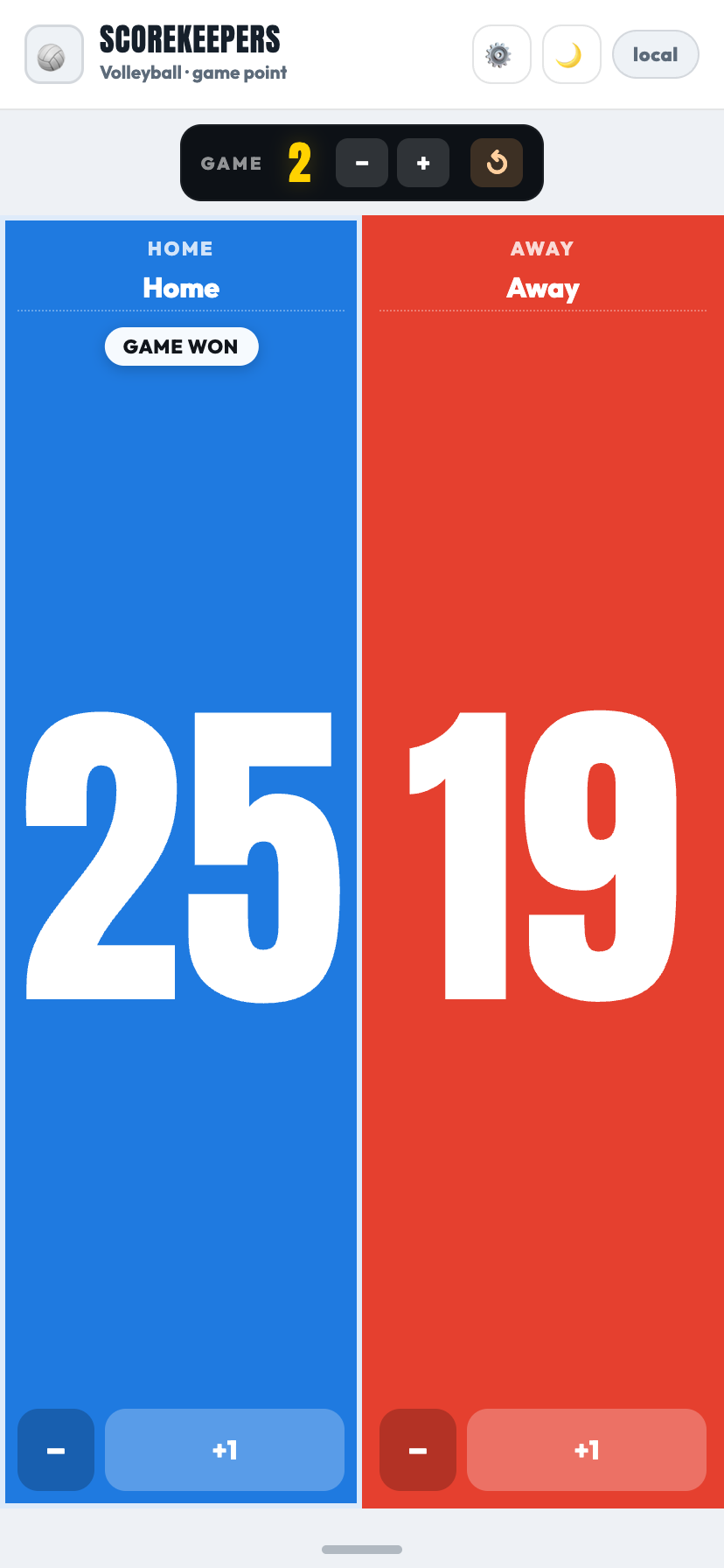 📺 JumboSame flip-board, oversized — the numbers fill the panels edge to edge so they're readable across the gym.
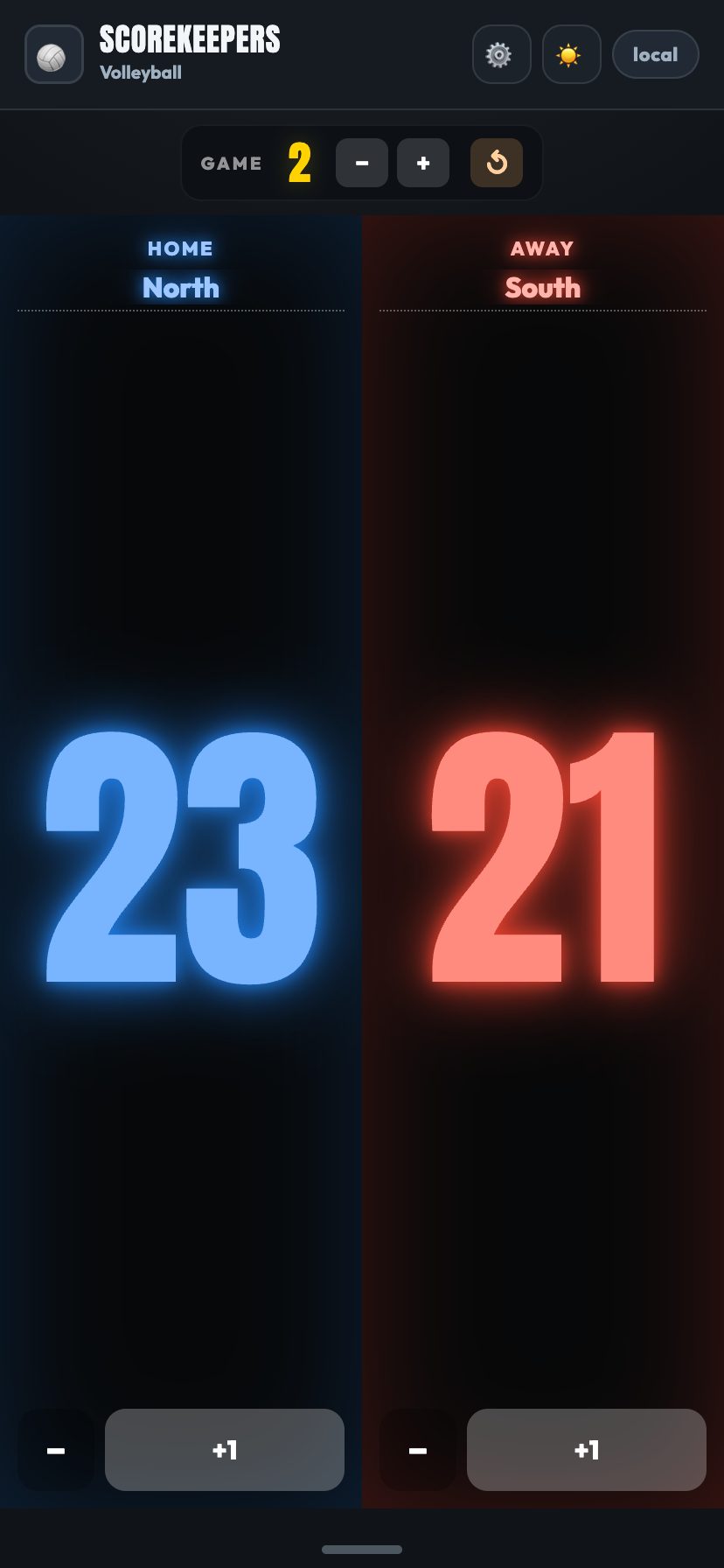 💡 NeonBlack panels with bright glowing blue and red tube-style numerals — night-game energy.
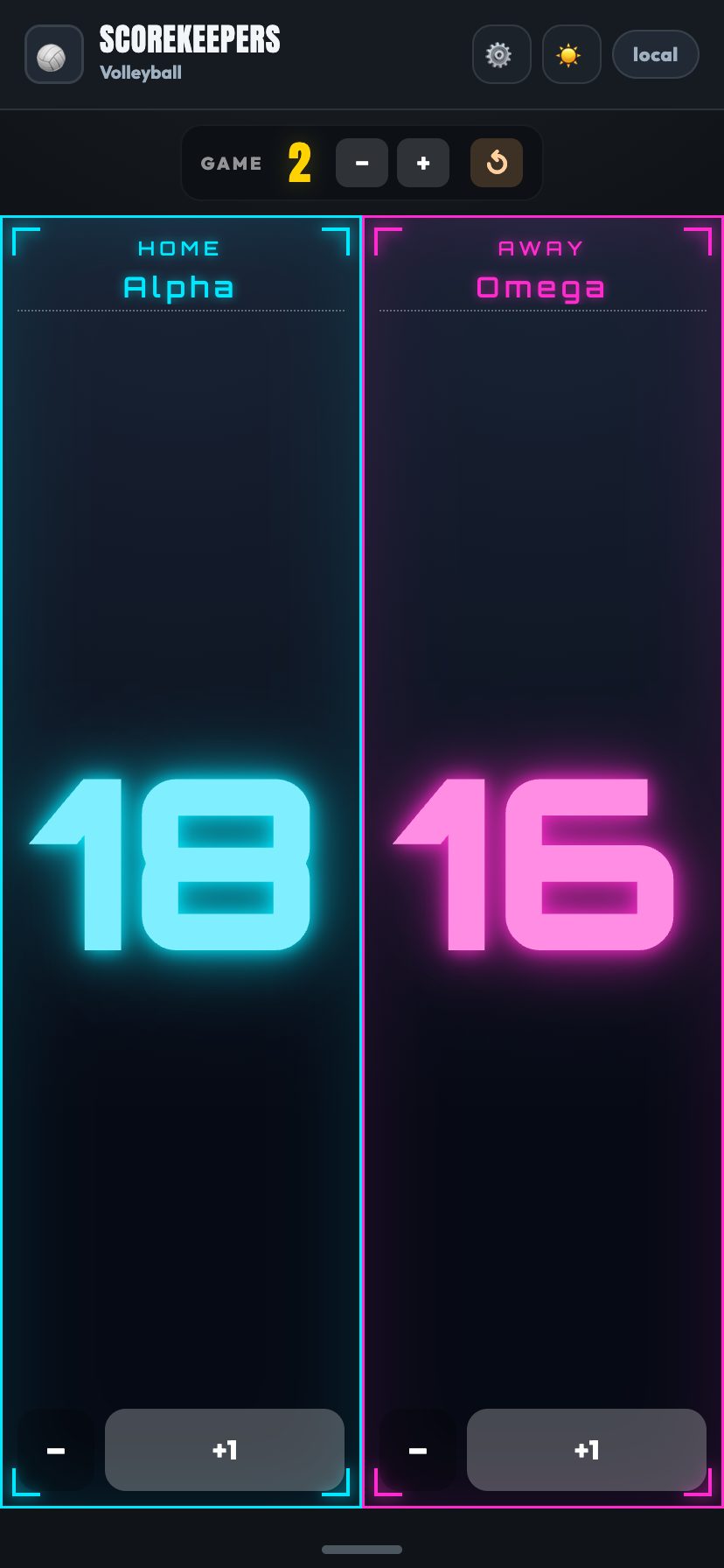 🛸 FutureSci-fi HUD frame with cyan / magenta accents, corner brackets and an Orbitron numeral that glows.
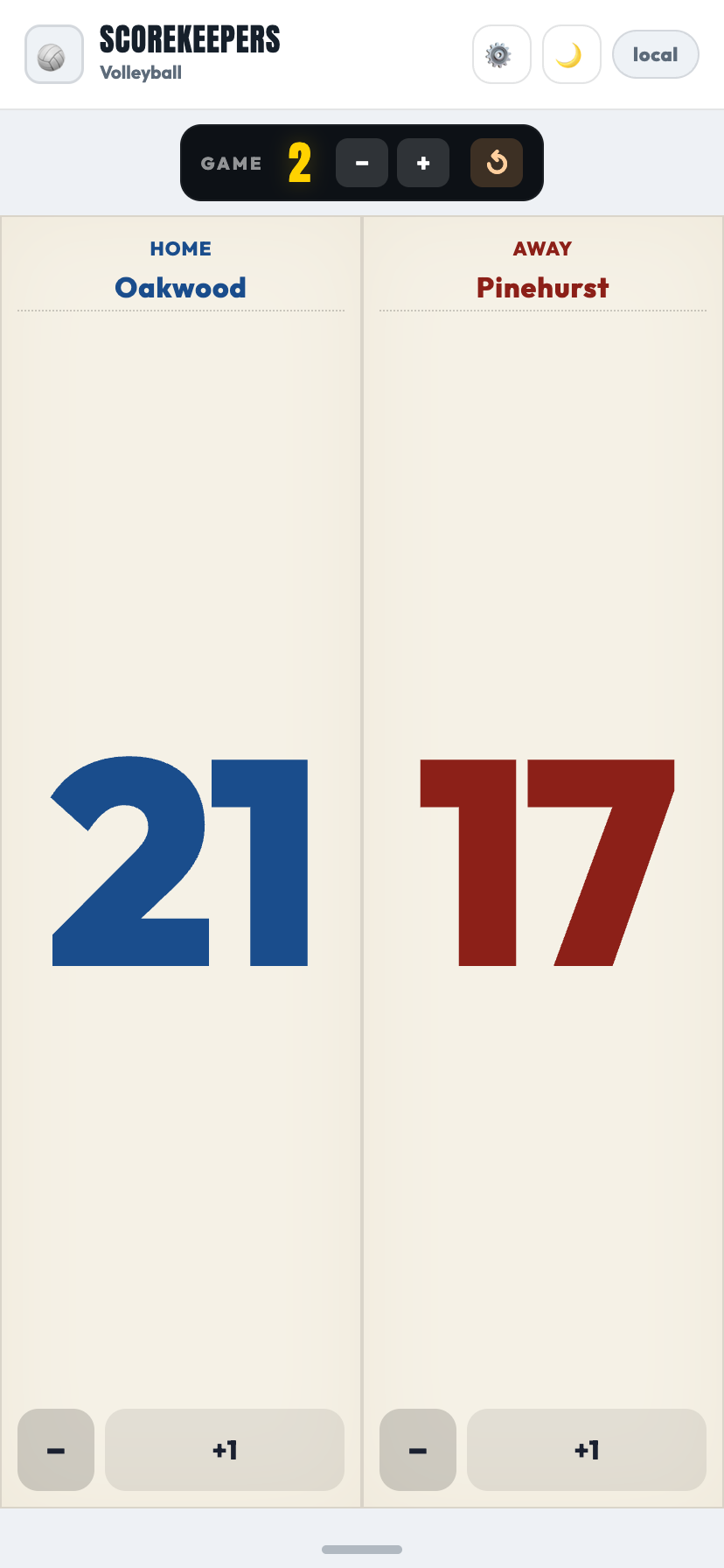 📰 PaperA printed program / scorecard — cream paper with HOME-blue and AWAY-red ink in a sharp serif.
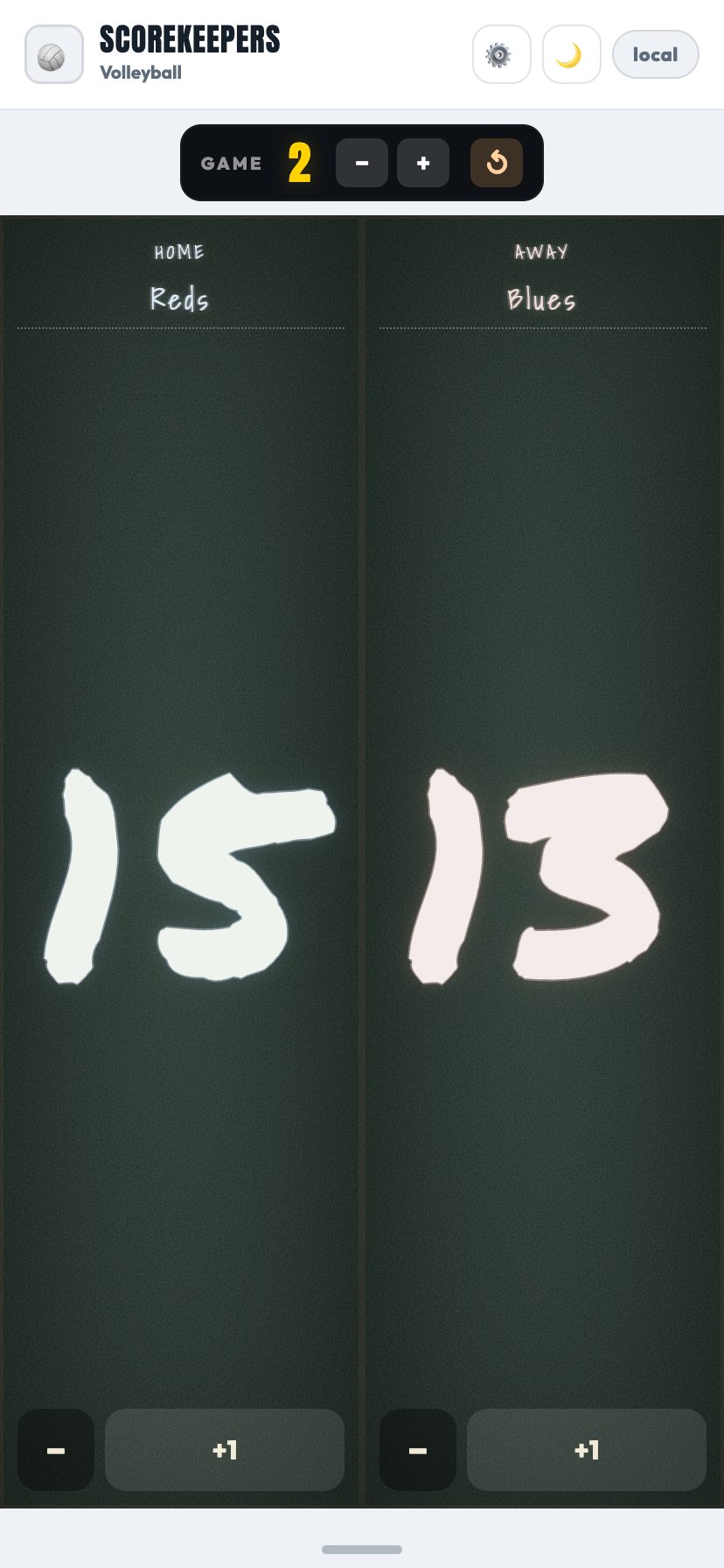 ✏️ ChalkA slate chalkboard with hand-drawn chalky numerals and that gritty chalk-dust edge.
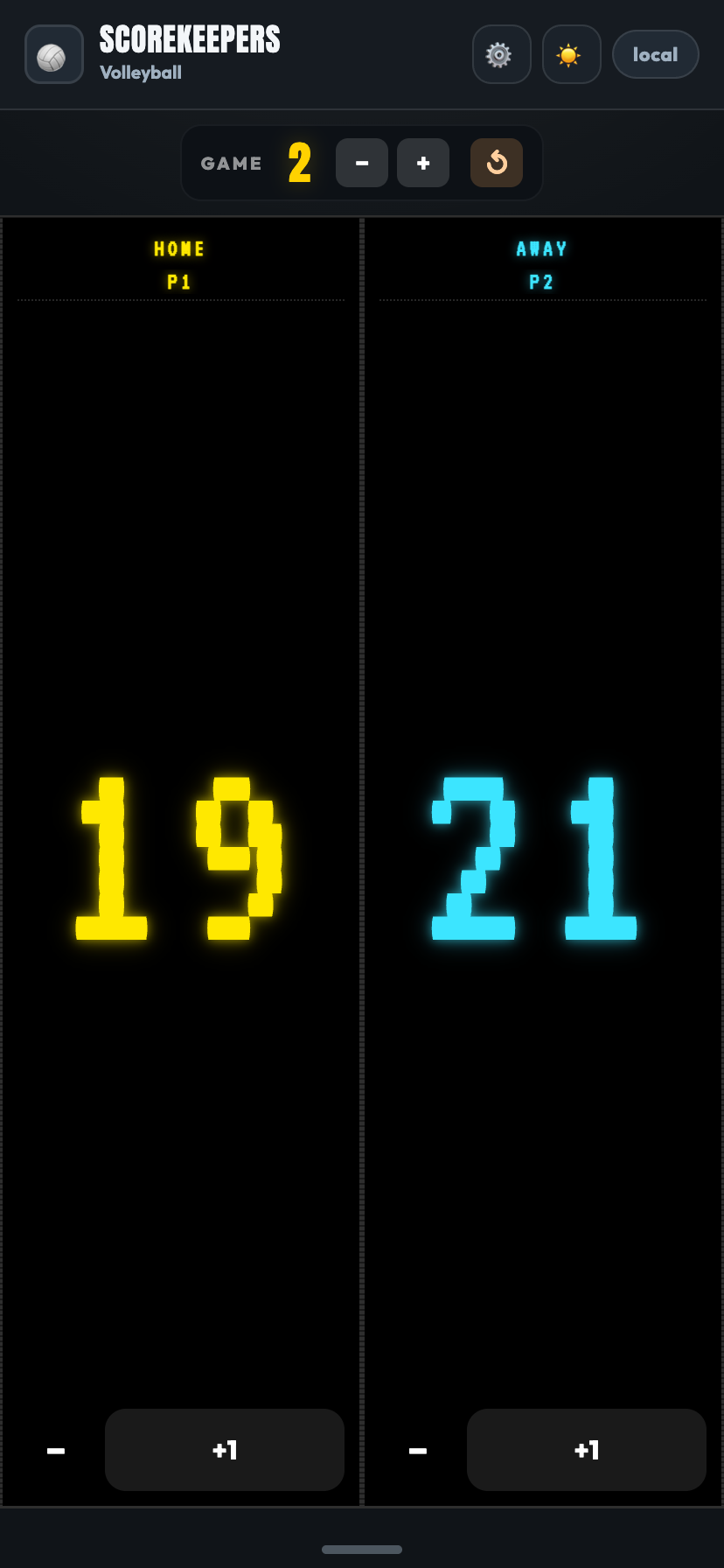 🕹️ ArcadePure black panels with yellow / cyan VT323 pixel numerals and CRT scanlines — straight out of 1985.
No. There's no sign-up, no email, nothing to create. Pick a sport, start a board, and share the link — that's the whole flow.
They open your share link. That's it — opening the link joins the same live board. There's no code to type in.
Yes — that's the point. Everyone on the link can add or remove points, and all screens stay in sync. Hand the link to your co-coach, the ref, or a parent and split the job.
Yes, completely free.
Yes — it keeps working as a single-device scoreboard with no connection, and the app shell is cached so it loads instantly. Live sharing across devices needs a connection.
Yes — ScoreKeepers is on the App Store for iPhone and iPad. You can also open a share link in any phone browser and choose Add to Home Screen to run the web version full-screen.
Scoreboard (generic), volleyball, basketball, tennis, pickleball, table tennis, badminton and cricket. Each has the right buttons and win target, and you can switch any time without losing your score.
Yes — the Setup ⚙️ sheet lets you pick from eight scoreboard styles (Vinyl, LED, Jumbo, Neon, Future, Paper, Chalk, Arcade) and six match-winner celebration overlays (plus a Surprise random pick). Each watcher can pick their own look; the host chooses the celebration that fires for everyone.
Full tennis scoring: points run 0/15/30/40 with deuce and advantage (or no-ad), games build into sets, a tiebreak settles games-all, and you can play best-of 1 to 5 sets. Pick a Youth, Standard or Pro preset in Setup, or fine-tune sets, games, no-ad and tiebreak yourself.
Yes. There are no accounts and no personal data. Boards are temporary and identified only by a random share code. See the privacy policy for details.
Question, bug, or a sport you'd love to see? Send a note and we'll get back to you.
Download on theApp Store ScoreKeepers